
Ollama on Android: a direct local compute client
Connect Android to Ollama running on your own computer. Configure the listener, firewall, private network, and Oriveo without exposing the engine to the public internet.
- Use the compute you already own from another device, with no API credential on local HTTP.
- Oriveo is a client: Ollama must run on a computer. It does not run the model on your phone.
- Never expose an unauthenticated engine to the public internet. Use local Wi-Fi or a supported private VPN such as Tailscale; public and mixed DNS targets are rejected.
Prepare Ollama
Start the engine on a private interface, confirm the port locally, then allow that port only on your LAN or private VPN.
- OLLAMA_HOST=0.0.0.0:11434 ollama serve
- GET http://127.0.0.1:11434/api/tags
- TCP 11434 · LAN / private VPN
Connect from Android
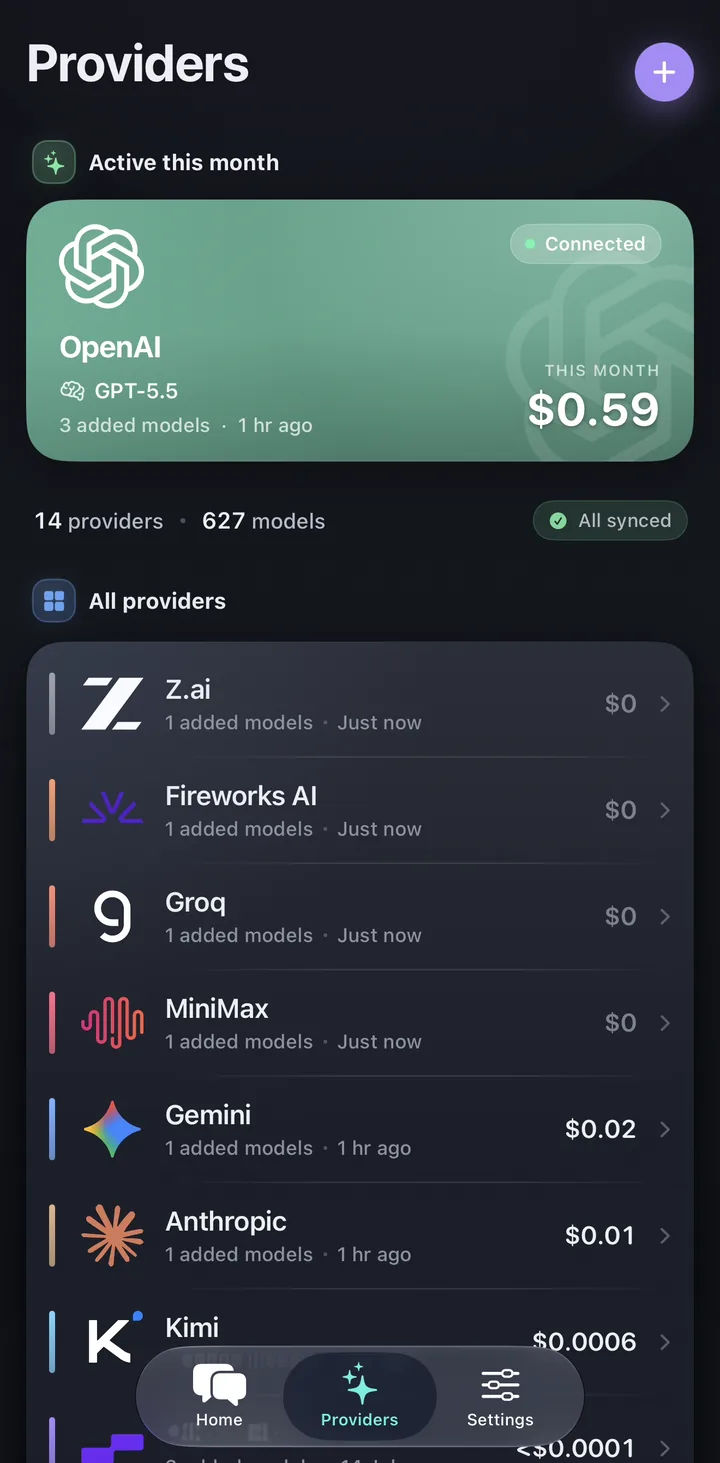
Choose Local compute in Providers, select the matching engine, enter the private address, and verify the discovered model before saving.
Keep the endpoint private
Never expose an unauthenticated engine to the public internet. Use local Wi-Fi or a supported private VPN such as Tailscale; public and mixed DNS targets are rejected.
Common app questions
Does this require an Oriveo server proxy?
Does the model run on the phone?
Which commands and ports are involved?
Related reads
From the blog
Connect your own compute
Get the native Oriveo app on iOS or Android, or open Oriveo in your browser, then connect the engine on your private network.
No API key yet? Oriveo Free lets you start without one.