
Use Your Claude API Key in an App, No Code
Get a Claude API key from the Anthropic Console, understand how API billing works, and add the key to a chat app on iPhone, Android or the web — no code.
- To use Claude with your own key and no code, create an API key in the Claude Console (Settings → API keys), add prepaid credits under Billing, and paste the key into a BYOK chat app such as Oriveo. The app sends your messages to Anthropic with your key, and Anthropic bills your Console account per token.
- A Claude Pro or Max subscription does not include API access; the API is billed separately in the Console.
- As of 28 September 2026, Claude Sonnet 5 costs $2 per million input tokens and $10 per million output tokens, so a typical chat message costs roughly one cent, estimated.
What you need before you start
Using Claude through an app with your own key involves three things: a Claude Console account, some API credit in that account, and an app that accepts an Anthropic key. None of them requires programming. The whole setup usually takes ten minutes, most of it spent on the billing form.
It helps to be clear about which Anthropic account you are using. The Claude apps at claude.ai — Free, Pro and Max — are consumer subscriptions. The Claude Console at platform.claude.com is the developer platform where API keys and API billing live. Anthropic’s own help centre states that a paid Claude subscription does not include access to the Claude API or Console, and that the two are purchased separately. You can sign in to both with the same email, but they have separate billing.
Step 1: create a Claude API key
Anthropic documents the process on its "Get your Claude API key" page. The key is created once and cannot be viewed again afterwards, so have somewhere safe ready to store it, such as a password manager.
- Go to platform.claude.com and sign in, or create a Console account.
- Open Settings → API keys (platform.claude.com/settings/keys).
- Click Create key, give it a name you will recognise — for example "Oriveo on my phone" — and choose an expiration.
- Copy the key. It starts with "sk-ant-" and the Console shows the full key only once, at creation.
- If you lose the key, you cannot recover it; create a new one and revoke the old one.
Step 2: add credit and set a limit
Claude API usage is paid from prepaid credits. In the Console, open Settings → Billing and buy credits; they are available as soon as the purchase completes. You can optionally turn on auto-reload, which buys more credits when your balance drops below a threshold you choose. While you are learning how much you use, leaving auto-reload off is a simple way to cap your spending at whatever you prepaid.
Your organisation is placed on a usage tier automatically, and each tier has rate limits (requests and tokens per minute) and a monthly spend limit. You can see both in the Console, under the Rate limits and Billing pages. For personal chat use the starting limits are rarely the constraint, but they explain the occasional "rate limit" error if you send many long messages in quick succession.
What Claude costs through the API
API pricing is per token, with a separate rate for the tokens you send (input) and the tokens Claude writes (output). The table shows Anthropic’s published rates for the current models as of 28 September 2026, with an estimated cost for a typical chat message of 2,000 input tokens and 600 output tokens. The input side includes the earlier turns of the conversation, which an app resends with every message.
The arithmetic for Sonnet 5 is 2,000 × $2 / 1,000,000 + 600 × $10 / 1,000,000 = $0.010. Your own messages will differ, so treat the last column as an order-of-magnitude guide. Anthropic’s invoice, not any estimate, is the final amount.
| Model | Input (USD / 1M tokens) | Output (USD / 1M tokens) | Estimated cost per typical message |
|---|---|---|---|
| Claude Haiku 4.5 | 1.00 | 5.00 | about $0.005 |
| Claude Sonnet 5 | 2.00 | 10.00 | about $0.010 |
| Claude Opus 5.5 | 4.00 | 20.00 | about $0.020 |
| Claude Fable 5.1 | 10.00 | 50.00 | about $0.050 |
Step 3: add the key in Oriveo
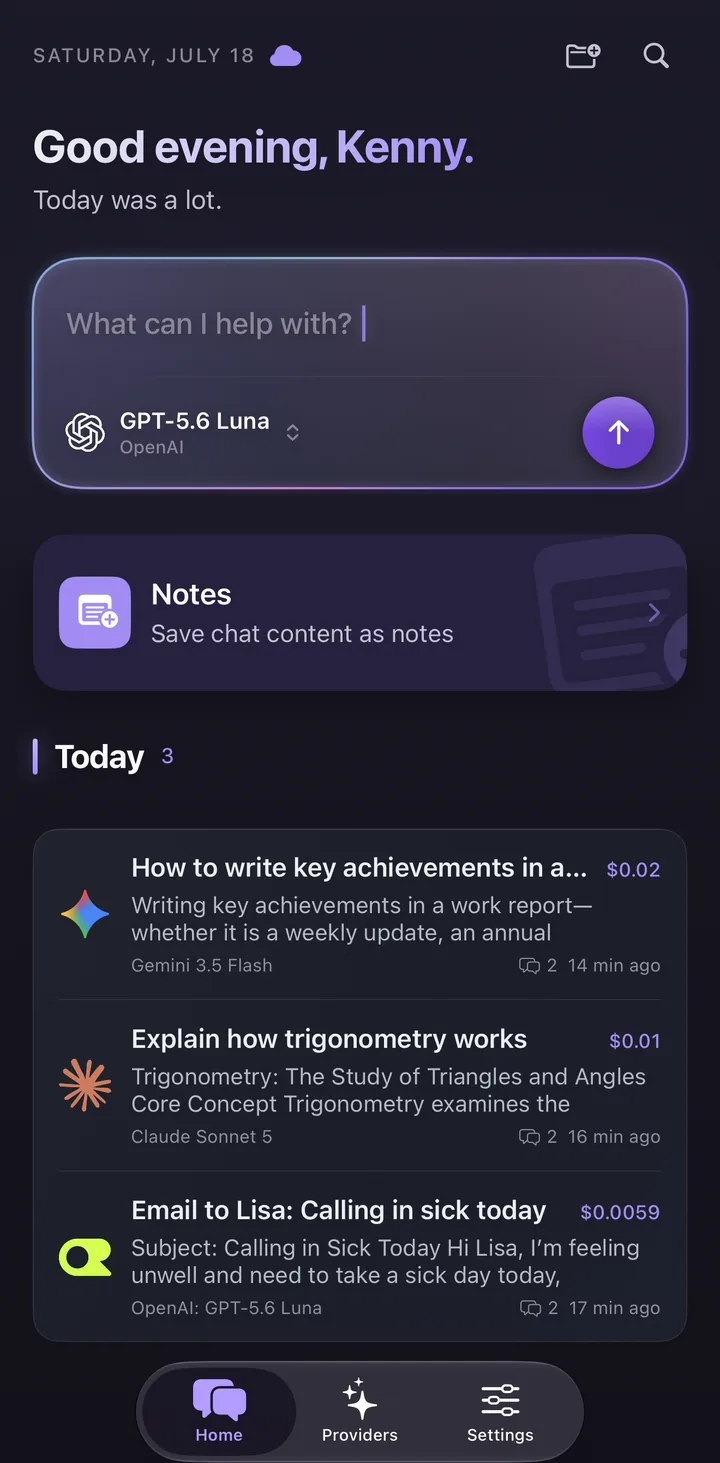
Oriveo is a multi-model chat app for iPhone, Android and the web that uses your own keys. Anthropic is one of its 15 official providers, listed under Direct AI Providers. The labels below are the ones the app shows in English.
Oriveo checks the key as soon as you continue, by asking Anthropic for the list of models the key can use, and then syncs that list. If the check fails — usually because of a copy-paste error or a Console account with no credit — you will see an error and can fix the key before chatting. On iPhone, a key that saves but does not validate is marked so you can check it later in the provider’s settings.
| Step | iPhone | Android | Web |
|---|---|---|---|
| Open the provider list | Providers tab | Providers tab | Providers in the sidebar |
| Start setup | Add Provider | Add Provider | Add Provider |
| Choose the provider | Anthropic, under Direct AI Providers | Anthropic, under Direct AI Providers | Anthropic, under Direct AI Providers |
| Paste the key | API key field under "Connect Anthropic" | API key field under "Connect Anthropic" | Key field under "Connect Anthropic"; "Get your key at Anthropic" links to the Console |
| Confirm | Continue | Continue | Continue |
| Wait for the check | "Validating connection and syncing models..." | "Validating connection and syncing models…" | "Validating connection and syncing models..." |
Step 4: pick a model and start chatting
Once Anthropic is connected, its models appear in the model picker. Choose the one that fits the job: Haiku for quick everyday questions, Sonnet as a capable default, Opus or Fable for the hardest reasoning and writing. You can switch models partway through a conversation, including to models from other providers you have connected, and the conversation continues with the new model.
In the iPhone and Android apps, the first time you send a message to a provider, Oriveo shows a short notice — "You’re about to use Anthropic" — explaining that your message will be sent to Anthropic to generate the response. On every platform, each message shows an estimated cost next to it, calculated from Anthropic’s published price and the tokens the response reports.
Keeping your key safe
An Anthropic key can spend your credit, so treat it like a password. Oriveo keeps provider keys on your device or in your browser rather than storing them as account records. The iPhone and Android apps send Claude requests to Anthropic directly; the web app uses a real-time pass-through endpoint that does not retain the key or BYOK chat content. Oriveo does not add a markup to Anthropic’s prices.
- Create one key per app or device, so you can revoke one without affecting the others.
- Use prepaid credit without auto-reload, or a low reload threshold, while you learn your usage.
- Check the Console’s usage page after a few days and compare it with the estimates in the app.
- If a key is ever pasted somewhere public, revoke it in the Console and create a replacement.
Common problems and fixes
Most setup problems come from one of a handful of causes, and the error message usually points at which one.
- Authentication error on setup: the key was copied incompletely or has been revoked. Copy it again, or create a new key.
- Billing or credit error: the Console account has no credit. Buy credits under Settings → Billing.
- Rate limit error: you sent many requests or very long messages in a short time. Wait a minute, or check your tier’s limits in the Console.
- A new Claude model is missing: refresh the provider’s model list in the app after Anthropic releases it.
- You expected your Claude Pro plan to cover this: it does not. API usage is always billed through the Console.
Frequently Asked Questions
Where do I get a Claude API key?
Does Claude Pro include API access?
How much does it cost to use Claude with my own API key?
Can I use a Claude API key on my iPhone or Android phone?
Do I need to write code to use the Claude API?
Is my Claude API key safe in Oriveo?
Related reads
Chat with Claude using your own key
Add your Anthropic key to Oriveo on iPhone, Android or the web, switch between Claude and 700+ other models, and see an estimated cost on every message.