
Using OpenRouter Free Models in a Chat App
How OpenRouter’s free models work in a chat app, the rate limits that apply, why free models come and go, and two ways to use them in Oriveo.
- OpenRouter free models are model variants whose ID ends in ":free". They cost nothing per token, but OpenRouter limits how often you can call them: as of 28 September 2026, 20 requests per minute, and 50 requests per day unless your account has bought at least 10 credits, which raises the daily limit to 1,000.
- Free models are less predictable than paid ones. They can be rate-limited upstream at busy times, and individual free models are added and removed from OpenRouter’s catalogue over time.
- In Oriveo you can use them two ways: through Oriveo Free, with no key and no sign-in, or through your own OpenRouter key, where your account’s free-model limits apply.
What OpenRouter free models are
OpenRouter is an aggregator: one account and one API key give you access to models from many vendors and inference hosts. Most of those models are paid per token. A subset is offered as free variants, identified by the ":free" suffix on the model ID — for example a model listed as "vendor/model-name:free" alongside its paid "vendor/model-name" twin.
The free variants are usually open-weight models, smaller models, or preview releases that a host is offering at no charge. They are genuinely useful for everyday questions, drafting and experimentation. They are not a free route to every frontier model; the most capable proprietary models are generally paid only.
The list changes. On 28 September 2026 the OpenRouter catalogue in Oriveo’s model metadata feed contained 17 model IDs with the ":free" suffix, drawn from OpenRouter’s own models API. A month earlier or later the count and the names will differ, which is why any article naming "the best free OpenRouter models" goes stale quickly.
The rate limits that apply
Free models are free per token but not unlimited. OpenRouter publishes the rules on its limits documentation page, and as of 28 September 2026 they are as follows. They apply to requests for any model whose ID ends in ":free", counted across all of your free-model usage rather than per model.
Two details matter in practice. The daily threshold depends on credits purchased over the lifetime of the account, not on your current balance. And requests you make with your own provider keys through OpenRouter (its BYOK feature) are not gated by the free-model limit.
- When you exceed a limit, OpenRouter returns a rate-limit error (HTTP 429) instead of an answer.
- The per-minute limit is shared across all free models, so switching to another free model does not reset it.
- OpenRouter can change these numbers; check its limits page before relying on them for anything important.
| OpenRouter account state | Requests per minute (free models) | Requests per day (free models) |
|---|---|---|
| Fewer than 10 credits purchased, all time | 20 | 50 |
| At least 10 credits purchased, all time | 20 | 1,000 |
| Paid (non-free) variant of the same model | Normal paid limits | Normal paid limits |
Why free models are sometimes unavailable
Even within your limits, a free model can fail to answer. The host serving it has finite capacity, and free traffic is typically the first to be turned away at busy times. The errors are usually explicit — messages such as "temporarily rate-limited upstream" or "Service temporarily overloaded" — and they typically clear on their own within minutes.
Free models also come and go. A host can stop offering a free variant, rename it, or move it to paid-only, and the model then disappears from OpenRouter’s catalogue. Requests to a model that no longer exists fail with a "not found" error rather than a temporary one.
For a chat app this means two different failure modes need two different responses. A temporary rate limit is worth a short wait and a retry, or a switch to another model. A removed model needs to leave the picker. Treating every error as permanent would empty a free model list after one busy afternoon; treating every error as temporary would leave dead models on screen.
Privacy settings for free models
OpenRouter lets you choose, in your account’s privacy settings, whether requests may be routed to providers that may use your data for training, and it keeps separate settings for paid and free models. You can also restrict individual requests to providers with a particular data policy.
If you use free models through your own OpenRouter key, review those settings before sending anything sensitive. A stricter setting can narrow which providers are allowed to serve a request. The general rule for any free AI service applies here too: do not paste passwords, private keys or confidential documents into a free model.
Option 1: Oriveo Free, with no key and no sign-in
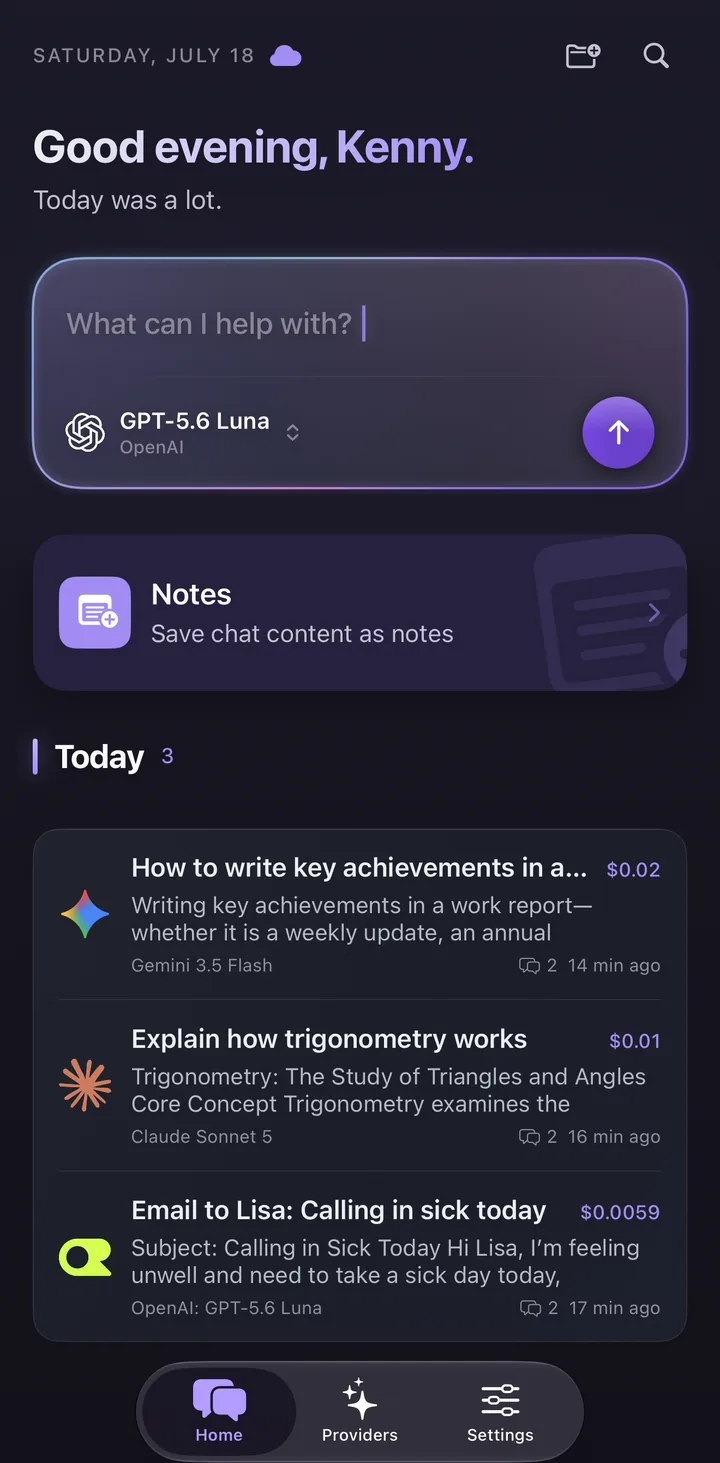
Oriveo Free is Oriveo’s free tier. It gives you a short fixed list of free models with quota limits, usable without an API key and without signing in, on iPhone, Android and the web. It exists so you can try the app before deciding whether to connect any provider.
Under the hood, Oriveo Free draws its models from OpenRouter’s ":free" catalogue and serves them through Oriveo’s own OpenRouter account, so you do not need an OpenRouter account at all. The quota is set by Oriveo’s server and can change, so this article does not quote a number; the app shows your remaining allowance.
Because the underlying models are OpenRouter free variants, the availability realities above still apply. Oriveo’s server checks the free catalogue daily and takes models out of the list when they disappear upstream. A temporary upstream error puts a model into a short cooldown instead of removing it, so a busy minute does not make it vanish for everyone.
- Best for: trying the app, casual questions, and people who do not have an API key yet.
- Trade-off: a short list chosen for you, and a quota rather than unlimited use.
- Not included: premium proprietary models, which need your own key or a paid service.
Option 2: your own OpenRouter key in Oriveo
OpenRouter is one of Oriveo’s 15 official providers, so you can connect your own OpenRouter key the same way as any other provider. Create a key at openrouter.ai/keys, open Providers in Oriveo, choose Add Provider, pick OpenRouter from the aggregators, paste the key and continue. Oriveo validates the key and syncs the model list.
The model list comes from OpenRouter’s catalogue, so the ":free" variants appear alongside the paid ones. Your requests are then counted against your own OpenRouter account, which means the per-minute and per-day free-model limits above apply to you directly — and buying credits once raises your daily limit. On the web, if a model you want is missing from the list, the setup screen also lets you enter a model ID manually.
This route also lets you move between free and paid models in the same conversation: start on a free model, and switch to a paid one when a question needs more capability. Paid models are billed by OpenRouter at its published prices, and Oriveo shows an estimated cost on each message.
Which option fits you
The two options are not competing; many people start with one and add the other. The table summarises the practical differences.
| Oriveo Free | Your own OpenRouter key | |
|---|---|---|
| Account needed | None; no sign-in | An OpenRouter account |
| API key needed | No | Yes, your own |
| Which free models | A short list chosen by Oriveo | Any ":free" model in OpenRouter’s catalogue |
| Limits | Oriveo Free quota, set by Oriveo | Your OpenRouter free-model limits |
| Paid models in the same app | Yes, by connecting your own provider keys | Yes, billed by OpenRouter |
| Cost of free-model messages | None to you | None per token |
Getting good results from free models
Free models reward a little adjustment in how you work with them. They tend to be smaller, so they do best with clear, self-contained requests.
- Start a new chat for a new topic; shorter context gives smaller models a better chance of staying on track.
- Keep a second free model in mind, so a temporary rate limit is a one-tap switch rather than a dead end.
- Use free models for drafting, summarising, translation and quick questions, and a paid model for work where accuracy matters.
- Do not build anything important on a specific free model name; it may not be there next month.
Frequently Asked Questions
Are OpenRouter free models really free?
Why does a free model say it is rate-limited when I have barely used it?
Why did a free model disappear from the list?
Do I need an OpenRouter account to use free models in Oriveo?
Can I use OpenRouter free models with my own key in a mobile app?
Related reads
Start with free models, add your own keys later
Open Oriveo on iPhone, Android or the web and chat with Oriveo Free without a key, or connect your own OpenRouter key for its full free and paid catalogue.