
DeepSeek Chat App — Use DeepSeek With Your Own API Key
Use DeepSeek with your own API key in a multi-model chat app. Oriveo lets you switch between DeepSeek, OpenAI, Claude, Gemini and more, with BYOK billing at list price, real-time cost tracking, native iPhone and Android apps, and a web app.
- Use DeepSeek with your own DeepSeek API key — pay list price, no markup.
- Switch between DeepSeek and models from 15 official providers in one app.
- Real-time cost tracking, and chats stored on your device by default, across iPhone, Android, and web.
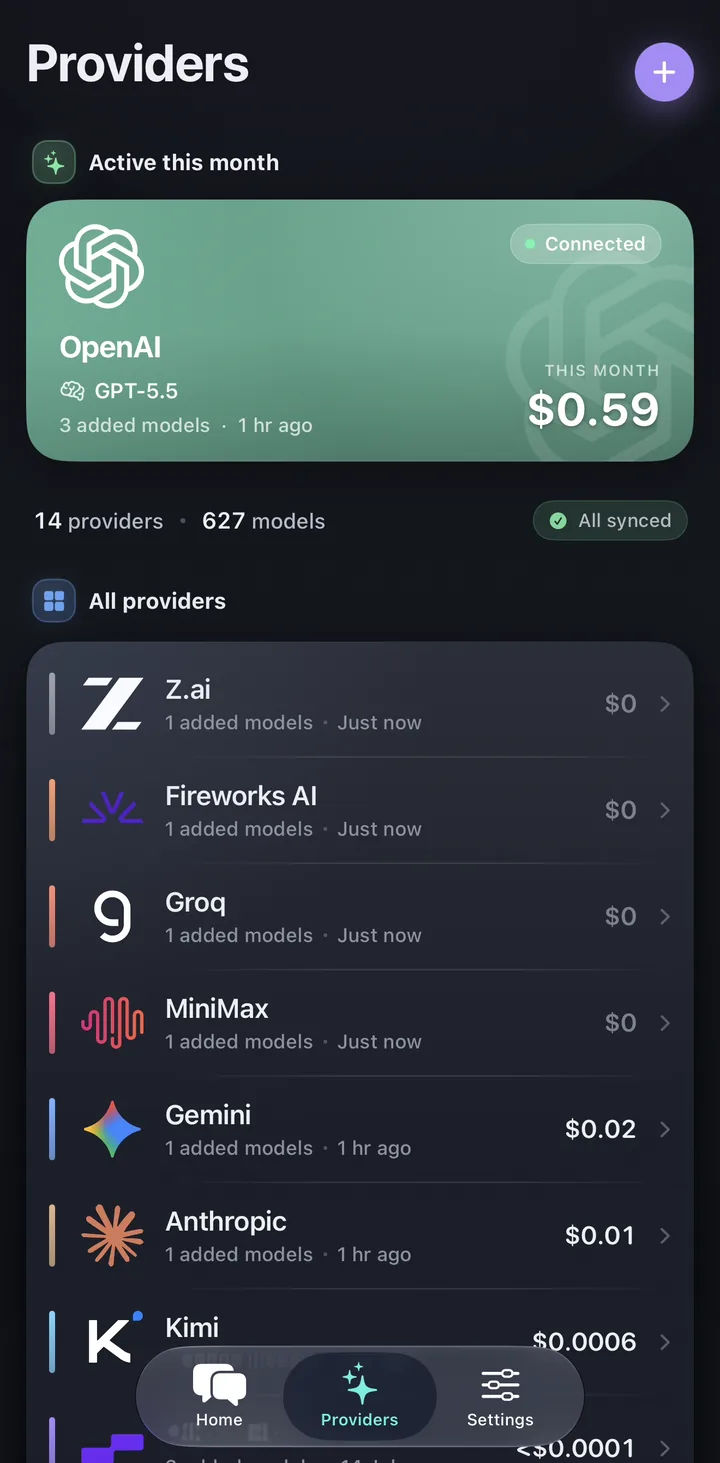
DeepSeek plus every other model, in one app
DeepSeek's models are popular for their strong price-to-quality ratio. Oriveo lets you bring your own DeepSeek API key and use it directly, with no markup, alongside the other providers you already rely on.
Because Oriveo is multi-model, you can switch sequentially between DeepSeek and GPT, Claude, or Gemini within a conversation, or use separate chats to verify an important answer.
Why use DeepSeek through Oriveo
Oriveo adds the product layer around your DeepSeek key.
- BYOK: paste your DeepSeek key and pay DeepSeek directly at list price.
- Real-time cost tracking so you can see DeepSeek's savings in practice.
- Switch between DeepSeek and other models without leaving the app.
- Native iPhone, Android, and web apps, with chats stored on your device by default.
Common app questions
Can I use DeepSeek with my own API key?
Can I use DeepSeek and other models together?
Does Oriveo show DeepSeek costs?
Related reads
From the blog
Use DeepSeek and every other model in one app
Open the web app or download Oriveo to bring your DeepSeek key and chat across all your models.
No API key yet? Oriveo Free lets you start without one.