
Custom API Endpoint: How to Connect an OpenAI-Compatible API
What a custom API endpoint and Base URL are, and how to connect an OpenAI-compatible API, relay, proxy or gateway with just an address and a key.
- A custom API endpoint is the web address, or Base URL, of an AI service that isn’t built into your app, such as an OpenAI-compatible API, a relay, a proxy or a gateway. In Oriveo you usually need two things to connect one: that address and an API key.
- Oriveo works out the protocol for you (OpenAI Chat Completions, OpenAI Responses, Anthropic Messages or Gemini) and adds the version path, such as /v1, when you enter just the root address.
- Public addresses must use HTTPS. A third-party service can see everything you send through it, so give it a separate key with a spending limit, and never hand it your official provider key.
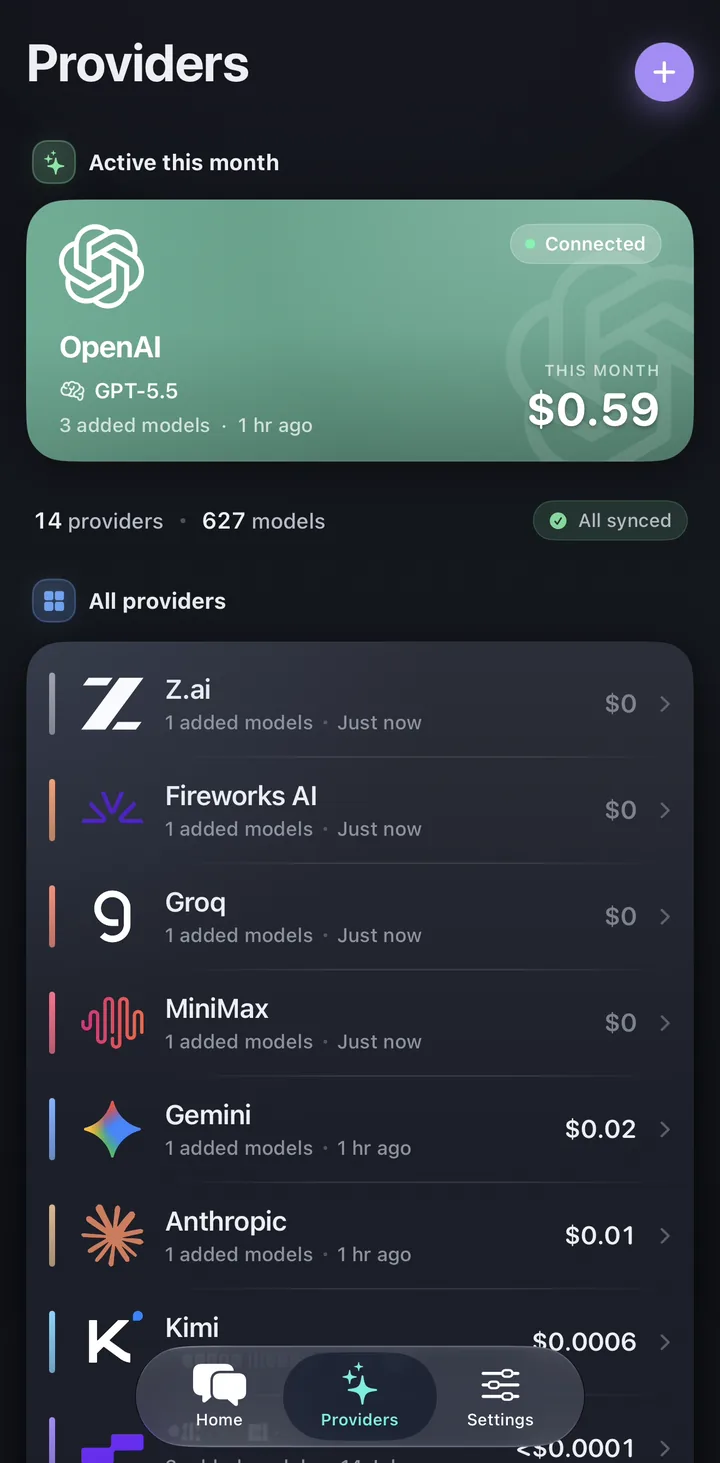
What is a Base URL or API endpoint?
Every AI service has a web address that apps send requests to. Developers call it the Base URL, the API endpoint or the request URL; they all mean the same thing here. It looks like an ordinary web address. OpenAI’s, for example, is https://api.openai.com/v1.
In Oriveo, the 15 built-in providers already have their addresses filled in, so you just paste a key. A custom endpoint is for everything else: a service that offers an OpenAI-compatible API, a relay or gateway run by a company, or a gateway you run on your own server.
"OpenAI-compatible" means the service accepts requests in the same format as OpenAI’s API, so apps built for OpenAI can talk to it. Many providers and gateways offer this format.
Relay, proxy, gateway: what’s the difference?
People use these words loosely, and for connecting an app they work the same way: a service sits between your app and the model providers, receives your request and passes it on. Some put several providers behind one key and one bill; some add usage controls for a team; some are software you run on your own server.
Oriveo doesn’t recommend or rank any of them. Whichever you use, the steps below are the same.
What do I need to connect a custom endpoint?
Usually two things, both from the service’s own dashboard or documentation:
- The request URL (Base URL), for example https://api.example.com/v1. It must start with https:// if the service is on the public internet.
- An API key that the service issued to you. You can add more keys with "Add another key".
- Optional: a name for the connection, so you can tell it apart from others.
How do I add a custom endpoint in Oriveo?
The steps are the same on iPhone, Android and the web.
- Open Providers and tap the + button (Add Provider).
- Choose the Custom chip, then Custom Relay ("Connect your own model service").
- On "Connect a Custom Relay", paste the request URL and the API key. The line "Will request …" shows the full address Oriveo will use. Tap Next.
- Oriveo checks the connection, reads the model list and works out each model’s protocol. This step reads the list without sending a chat message.
- Tick the models you want and tap "Save (N selected)". If the service doesn’t list its models, use "Add model ID manually".
- Before saving, Oriveo sends one tiny request to the first selected model. The connection is saved when that test passes; if it fails, you stay on the same step and can fix it.
Prefer to set everything yourself? Use Manual setup
Manual setup puts everything on one page: the address, the key, a model ID, an optional connection name and the default protocol, which starts on automatic. Tap "Validate and save". If the check fails, nothing is saved yet, and the failure card offers "Save anyway (unverified)" if you want to keep the connection and test it later.
Does Oriveo detect the protocol automatically?
Mostly, yes. AI services speak one of a few request formats, called protocols. Oriveo supports four: OpenAI Chat Completions, OpenAI Responses, Anthropic Messages and Gemini generateContent.
It decides model by model. It uses what the service says about each model when that information exists, and otherwise picks likely candidates from the model’s family. When you save, the first selected model is tested with a real request; the others are checked later, when you start using them.
So in most cases the address and the key are enough. If the service’s documentation names a specific protocol, or a model fails its check, choose the protocol yourself in Manual setup.
Do I need to add /v1 to the address?
Usually not. If you enter just the root address, such as https://api.example.com, Oriveo adds the standard version path for the protocol: /v1 for the OpenAI and Anthropic formats, /v1beta for Gemini.
If the address already has a version, such as /api/paas/v4, Oriveo keeps it. If you paste a full endpoint ending in /chat/completions, /responses, /messages or :generateContent, Oriveo removes that ending and uses it to tell which protocol the service speaks.
Check the "Will request …" line before you tap Next. If the check says "The address may point to a web page. Check whether /v1 is missing.", compare your address with the service’s documentation.
| You enter | Oriveo requests (OpenAI format) |
|---|---|
| https://api.example.com | https://api.example.com/v1 |
| https://api.example.com/v1 | https://api.example.com/v1 |
| https://api.example.com/v1/chat/completions | https://api.example.com/v1, using Chat Completions |
| https://api.example.com/api/paas/v4 | https://api.example.com/api/paas/v4 |
Which addresses are allowed?
Oriveo follows a few rules to protect your key:
- Public addresses must start with https://. An http:// address on the public internet can’t be tested or saved.
- Addresses with a username and password inside them, or with query parameters (anything after a "?"), aren’t accepted. Oriveo never tries API keys from query parameters.
- Plain http:// addresses on your home network or a private VPN, such as a model server on your own computer, go through the separate Local compute entry instead of Custom Relay.
- On iPhone and Android, the app connects to the address directly.
- In the web app, public request URLs are forwarded through Oriveo’s server to work around browser CORS limits (a browser security rule that blocks many direct requests). Your API key is held in memory for that request only, never stored or logged. Local network addresses connect directly from your device, and HTTPS is required either way; a plain http:// address on your home network needs the iPhone or Android app and its Local compute entry.
- Keys stay on this device and aren’t uploaded by cloud sync.
Base URLs of the built-in providers
You don’t need these in Oriveo: choose the provider by name instead. They’re listed because people often look them up for other tools. Each is the official OpenAI-compatible address given in the provider’s documentation, as of 18 November 2026.
- Anthropic describes its OpenAI-compatible layer as meant for testing and comparison, and Mistral’s quickstart doesn’t describe its API as OpenAI-compatible. Add both as built-in providers instead.
| Provider | OpenAI-compatible Base URL |
|---|---|
| OpenAI | https://api.openai.com/v1 |
| Google Gemini | https://generativelanguage.googleapis.com/v1beta/openai/ |
| OpenRouter | https://openrouter.ai/api/v1 |
| DeepSeek | https://api.deepseek.com |
| xAI (Grok) | https://api.x.ai/v1 |
| Groq | https://api.groq.com/openai/v1 |
| Together AI | https://api.together.ai/v1 |
| Fireworks AI | https://api.fireworks.ai/inference/v1 |
| MiniMax (international) | https://api.minimax.io/v1 |
| Z.ai (international) | https://api.z.ai/api/paas/v4/ |
| Qwen (Singapore region) | https://dashscope-intl.aliyuncs.com/compatible-mode/v1 |
| Kimi (international) | https://api.moonshot.ai/v1 |
| SiliconFlow (international) | https://api.siliconflow.com/v1 |
Is it safe to use a relay or third-party API?
Be careful. Any service between you and the model can read your prompts, the files you attach and the replies, and it sets its own prices. Oriveo can’t see inside it or vouch for it.
- Never give a third-party service the API key from your official provider account. Use the key that the service issues to you.
- Create a separate key for Oriveo, and set a spending limit or keep a small balance on it if the service allows.
- Don’t send passwords, ID numbers or confidential work through a service you don’t trust.
- Check your usage on the service’s own dashboard. Oriveo’s cost figures are estimates; the service’s records are final.
- If a key leaks, delete it on the service’s dashboard and create a new one.
Why won’t my custom endpoint connect?
Oriveo tells you in one line what went wrong. The messages, in English:
- For codes such as 401, 402 and 429, our API key errors guide explains what each one means.
| Message in Oriveo | What to check |
|---|---|
| The address may point to a web page. Check whether /v1 is missing. | Compare the address with the service’s documentation; add or remove the version path |
| The key is invalid. | Copy the key again from the service’s dashboard |
| This key can’t list models. You can add models manually. | Add the model ID yourself on the next step |
| Can’t connect. Check your network or proxy. | Check your internet connection and that the address is reachable |
| The service at this address is rate limiting requests. | Wait a moment and try again |
| This connection could not reach its upstream provider. | The service’s own account behind it may be invalid, out of credits or rate-limited; contact whoever runs it |
Common app questions
What is a custom API endpoint?
What is an OpenAI-compatible API?
What Base URL should I enter?
Can I use a custom endpoint on iPhone and Android?
Why does Oriveo require HTTPS?
Is it safe to use an API relay or proxy?
Related reads
From the blog
Connect your own model service
Open the web app or download Oriveo for iPhone or Android, choose Custom Relay, and paste the address and key from your service.
No API key yet? Oriveo Free lets you start without one.