
How to Use ChatGPT, Claude & Gemini With Your Own API Key
A simple guide to BYOK: how to use ChatGPT, Claude, Gemini and more with your own API key, why it is often cheaper than separate subscriptions, and how to do it in one app across iPhone, Android, and web.
- BYOK means "bring your own key" — you use your own provider API keys instead of a platform subscription.
- You pay each provider directly at list price, and often only for what you actually use.
- Oriveo lets you do this for 15 official providers in one app, with real-time estimated cost tracking.
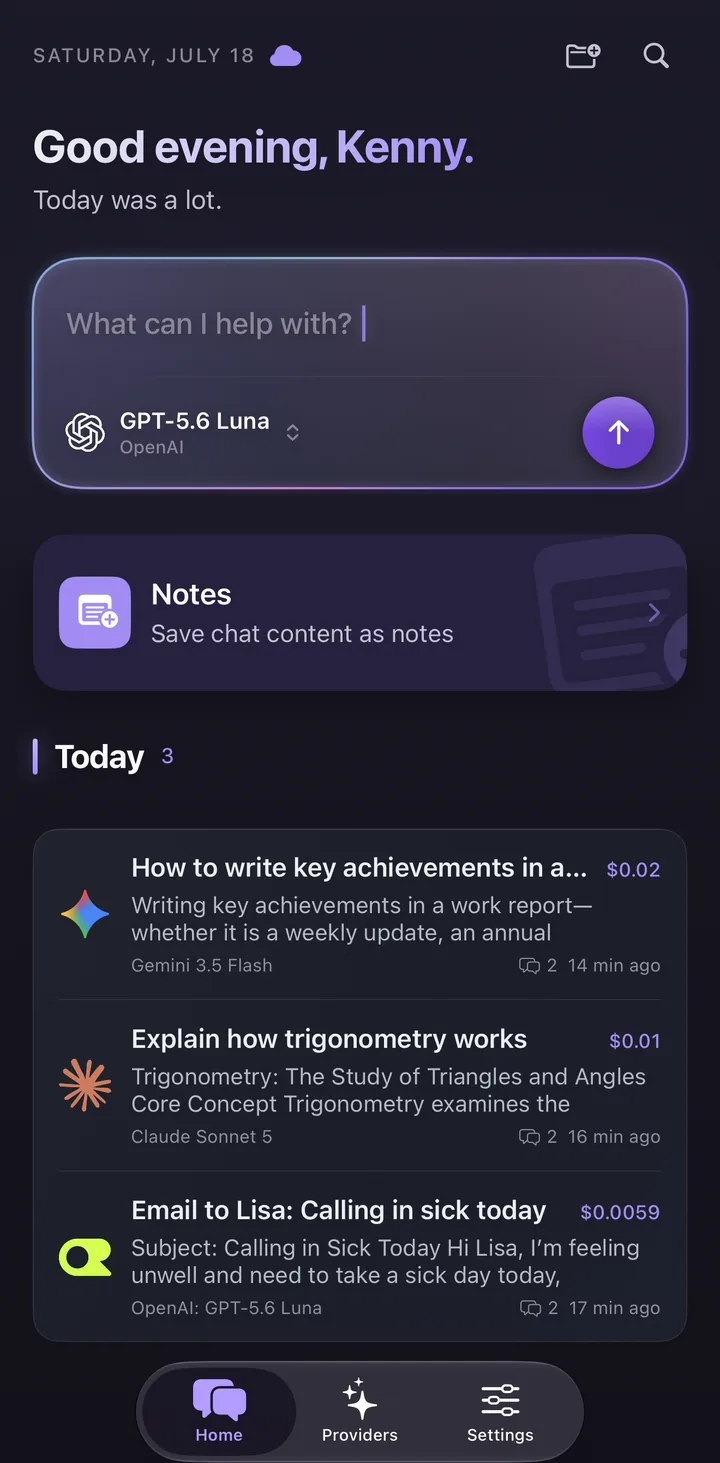
What is BYOK (bring your own key)?
BYOK stands for "bring your own key". Instead of paying a chat platform a flat monthly fee, you create an API key with a provider such as OpenAI, Anthropic, or Google, and use that key directly. Every message you send goes to the provider on your own account.
The benefit is control and transparency: no platform markup, no bundled subscription, and a real-time estimate you can reconcile with provider billing.
How to use your own API key, step by step
The flow is the same for most providers and takes a few minutes.
- Create an account with the provider you want (for ChatGPT models, that is OpenAI; for Claude, Anthropic; for Gemini, Google AI Studio).
- Generate an API key in that provider's dashboard.
- Paste the key into Oriveo. Native apps connect to the provider directly; the web app sends the request through a real-time pass-through endpoint that does not retain BYOK chat content.
- Start chatting. You can switch models sequentially within a conversation and add more provider keys any time.
Create the key with the correct provider
Consumer chat subscriptions and developer API accounts are separate products. ChatGPT Plus does not include OpenAI API credit, Claude Pro does not include Anthropic API credit, and a Gemini consumer plan should not be assumed to fund Gemini API usage.
- OpenAI: create a project key at platform.openai.com, add API billing or credits, and use the exact model IDs available to that project.
- Anthropic: create a key in the Anthropic Console, verify workspace billing, and keep the workspace and key active.
- Gemini: create a Gemini API key through Google AI Studio or the supported Google Cloud path and confirm the project quota.
- OpenRouter: create a key in the OpenRouter dashboard and review optional key-level spending limits.
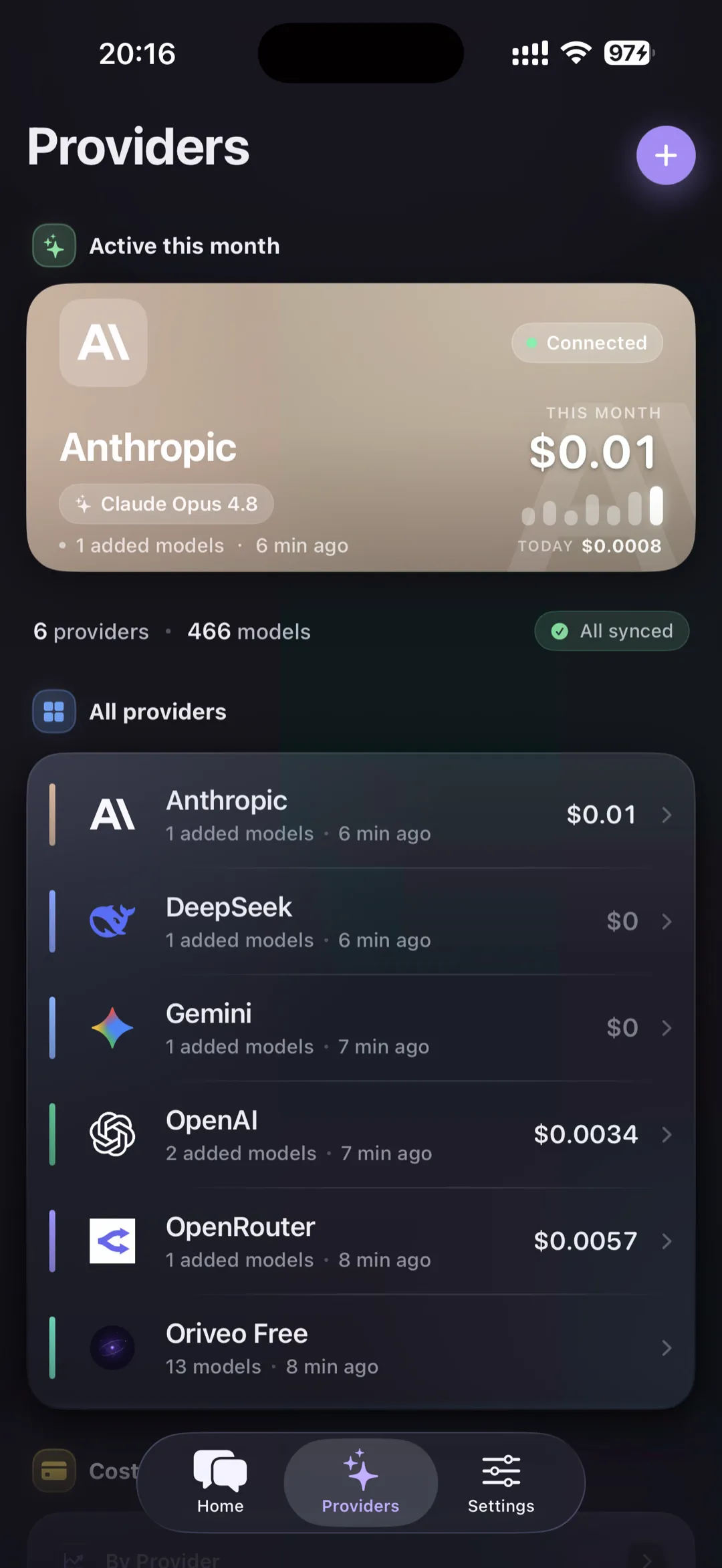
Is using your own API key cheaper?
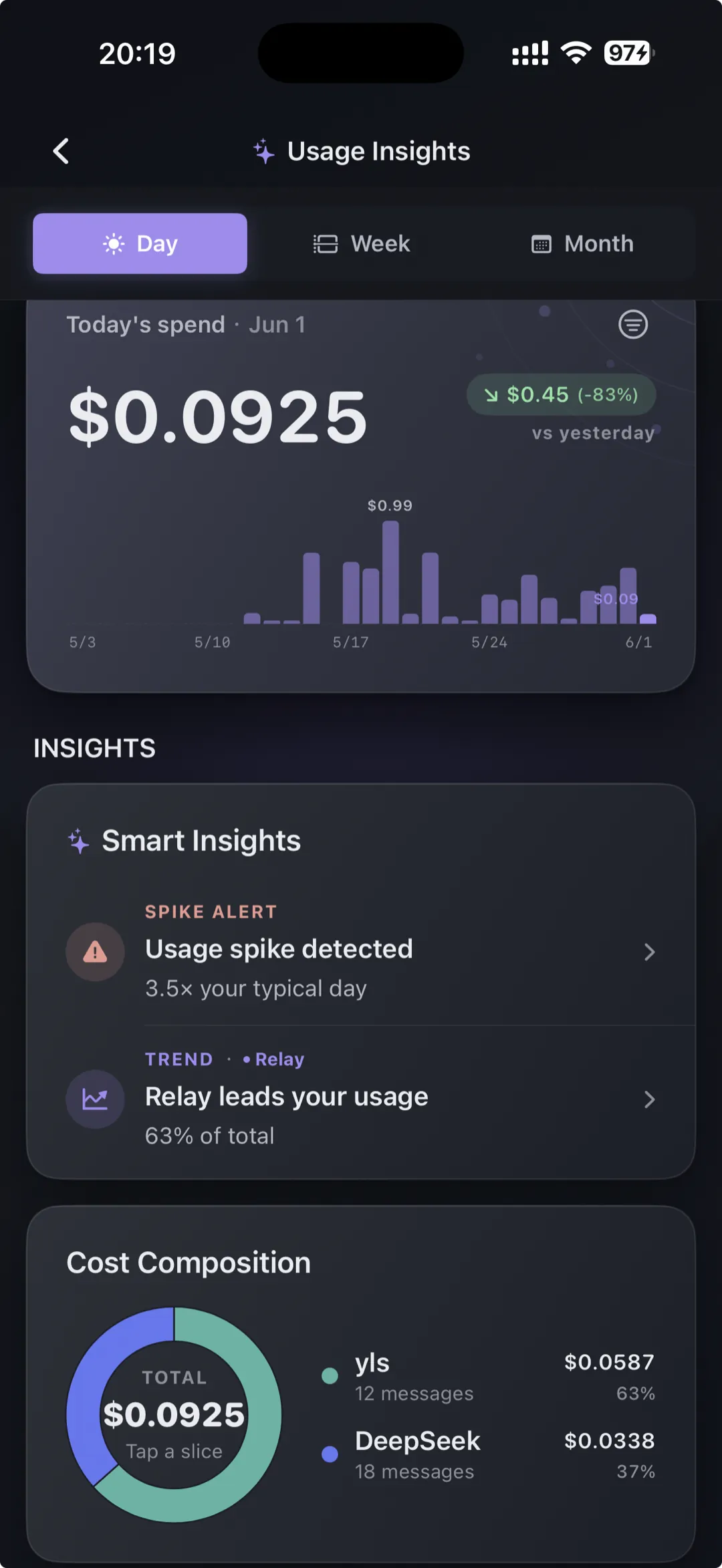
For many people, yes. If you chat occasionally, paying per use with your own key can cost less than a fixed monthly subscription — and you only pay for what you actually send. Heavy users should still watch usage, which is why Oriveo shows real-time, per-conversation cost so there are no surprises.
Rotate or revoke an API key safely
Treat an API key like a password with billing authority. If you suspect exposure, create a replacement at the provider first, validate the new key in Oriveo, then revoke the old key and inspect recent provider usage.
Provider dashboards are the billing source of truth. Oriveo estimates cost for visibility, but invoices can differ because of cached-token pricing, provider routing, non-token features, or price changes.
Common app questions
How do I use ChatGPT with my own API key?
Is it cheaper to use the API than a subscription?
Is bringing my own key safe?
Related reads
From the blog
Use your own keys in one app
Open the web app or download Oriveo to bring your own API keys for every model — or start free with no key.
No API key yet? Oriveo Free lets you start without one.