
Use Your OpenAI API Key in an App, No Code
Create an OpenAI API key, add API billing, and use GPT models in a chat app on iPhone, Android or the web with your own key — no code required.
- To use OpenAI models with your own key and no code, create an API key at platform.openai.com/api-keys, add API billing to that account, and paste the key into a BYOK chat app such as Oriveo. OpenAI then bills your API account per token for every message.
- ChatGPT Plus and the OpenAI API are separate products with separate billing; a ChatGPT subscription does not fund API usage.
- As of 28 September 2026, GPT-6 Sol costs $2 per million input tokens and $10 per million output tokens, about one cent for a typical chat message, estimated; GPT-6 Luna costs a twentieth of that.
ChatGPT and the OpenAI API are different accounts
Most people meet OpenAI through ChatGPT, the consumer app with Free, Plus and Pro plans. The OpenAI API is a separate developer product at platform.openai.com. It gives you programmatic access to the same families of GPT models, billed per token instead of per month, and it is what a "bring your own key" app uses.
OpenAI’s help centre treats the two as separate billing systems. Paying for ChatGPT Plus does not add API credit, and API credit does not unlock ChatGPT Plus features. You can sign in to both with the same login, but you add billing to each one independently.
The reason to use the API from a chat app is control. You choose any model your key can access, you pay only for the tokens you use, and you can keep one conversation history across OpenAI and other providers in the same app.
Step 1: create an OpenAI API key
API keys are created in the OpenAI dashboard and belong to a project. The default project is fine for personal use. Copy the key as soon as it is shown and keep it somewhere safe, such as a password manager; treat it like a password, because anyone who has it can spend your credit.
- Sign in at platform.openai.com with your OpenAI account, or create one.
- Open the API keys page at platform.openai.com/api-keys.
- Create a new secret key, name it after the app or device you will use it on, and choose the project.
- Copy the key, which starts with "sk-". Store it safely; if you lose it, create a new one.
Step 2: add API billing and a budget
New API accounts use prepaid billing: you buy credit in the dashboard’s billing settings, and usage draws it down. Until the account has credit, requests will fail with a quota or billing error, which is the most common reason a freshly created key "does not work".
Set a budget while you learn your usage. The billing settings let you control automatic recharges, and the usage page shows spend by day and by model. Rate limits apply to your account and project as well; for personal chat they are rarely the bottleneck, but they explain the occasional rate-limit error during a burst of long requests.
What GPT models cost through the API
API prices are per million tokens, with a lower input rate and a higher output rate. The table shows OpenAI’s published standard prices for the current GPT-6 family as of 28 September 2026, and an estimated cost for a typical chat message of 2,000 input tokens (your question plus the earlier conversation, which is resent each turn) and 600 output tokens.
For GPT-6 Sol the arithmetic is 2,000 × $2 / 1,000,000 + 600 × $10 / 1,000,000 = $0.010. Reasoning models also bill the tokens they spend thinking as output, even when that reasoning is not displayed, so a hard question can cost several times the typical figure. OpenAI’s invoice is the final amount.
| Model | Input (USD / 1M tokens) | Cached input (USD / 1M) | Output (USD / 1M tokens) | Estimated cost per typical message |
|---|---|---|---|---|
| GPT-6 Luna | 0.10 | 0.01 | 0.50 | about $0.0005 |
| GPT-6 Sol | 2.00 | 0.20 | 10.00 | about $0.010 |
| GPT-6 Astra | 10.00 | 1.00 | 50.00 | about $0.050 |
Step 3: add the key in Oriveo
Oriveo is a multi-model chat app for iPhone, Android and the web that runs on your own keys. OpenAI is one of its 15 official providers, under Direct AI Providers. The table lists the English labels you will see.
Depending on your app version, choosing OpenAI may first ask "How do you want to connect ChatGPT?" with two options. For this guide, choose API key — described in the app as "Use a key from platform.openai.com, billed by usage." The other option, Subscription sign-in, is a separate route that uses a ChatGPT plan to run Codex models and is not covered here.
When you continue, Oriveo checks the key by asking OpenAI for the models it can access, then syncs that list. A billing or authentication problem shows up here, before you start a conversation.
| Step | iPhone | Android | Web |
|---|---|---|---|
| Open the provider list | Providers tab | Providers tab | Providers in the sidebar |
| Start setup | Add Provider | Add Provider | Add Provider |
| Choose the provider | OpenAI, under Direct AI Providers | OpenAI, under Direct AI Providers | OpenAI, under Direct AI Providers |
| If asked how to connect | API key | API key | API key |
| Paste the key | API key field under "Connect OpenAI" | API key field under "Connect OpenAI" | Key field under "Connect OpenAI"; "Get your key at OpenAI" links to the dashboard |
| Confirm | Continue | Continue | Continue |
Step 4: choose a model and chat
After setup, OpenAI’s models appear in the model picker. A sensible pattern is to use an inexpensive model such as GPT-6 Luna for everyday questions, formatting and translation, and switch to GPT-6 Sol or Astra when a task needs more capability. You can change model partway through a conversation, including to a model from another provider, and continue in the same thread.
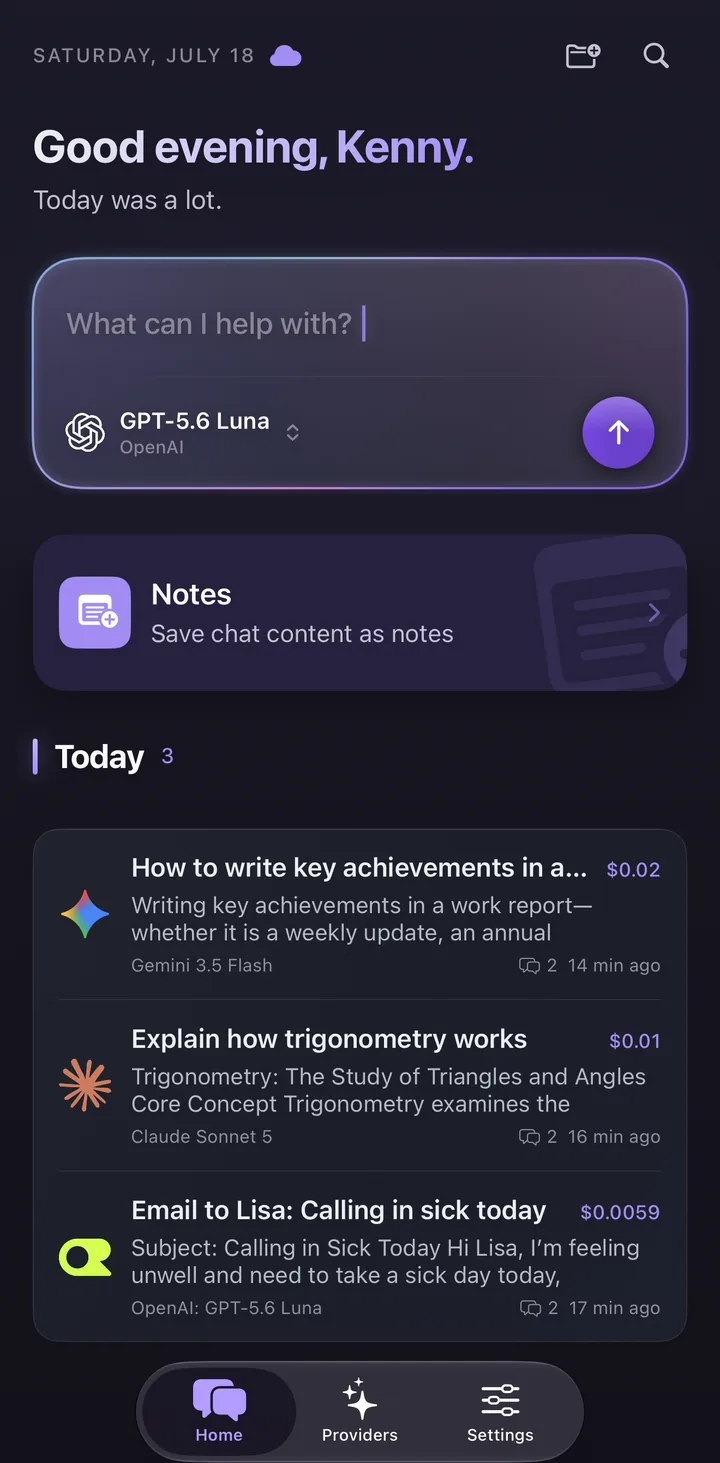
Each message shows an estimated cost next to it, calculated from OpenAI’s published price and the tokens the response reports. That makes the difference between models visible within a day of normal use, rather than at the end of the billing cycle.
Is the API cheaper than ChatGPT Plus?
It depends on how much you use it. As of 28 September 2026, OpenAI’s help centre lists ChatGPT Plus at $20 a month. At the estimated one cent per typical GPT-6 Sol message above, $20 buys roughly 2,000 such messages; with GPT-6 Luna, the same budget goes much further. Light and irregular users often spend less on the API; people who chat heavily all day may not.
The comparison is not only about price. ChatGPT includes app features that the API does not, and the API gives you model choice and per-message visibility that ChatGPT does not. Work through your own numbers before switching.
Keeping your key and your bill under control
Oriveo keeps provider keys on your device or in your browser rather than as account records. The iPhone and Android apps send requests to OpenAI directly; the web app uses a real-time pass-through endpoint that does not retain the key or BYOK chat content. Oriveo does not mark up OpenAI’s prices.
- Use a separate key for each app or device, so revoking one does not break the rest.
- Keep prepaid credit modest and automatic recharge off until you know your usage.
- If you see "insufficient quota", the account needs credit, not a new key.
- Revoke any key that has been pasted into a chat, email or public page, and create a replacement.
Frequently Asked Questions
Can I use my ChatGPT Plus subscription as an API key?
Where do I create an OpenAI API key?
Why does my new OpenAI key return a quota error?
How much does a message cost with my own OpenAI key?
Can I use GPT models on my phone with my own API key?
Related reads
Use GPT models with your own key
Add your OpenAI key to Oriveo on iPhone, Android or the web, switch between GPT and 700+ other models, and see an estimated cost on every message.